


Solid Edge is a professional CAD system used in real engineering workflows.
What many people don’t realize is that Siemens provides a free Community Edition for learning, personal projects, and skill development.
This article explains who it’s for and exactly how to get it step by step.
What Is Solid Edge Community Edition & Who is it for?
Solid Edge Community Edition is a free version of Solid Edge provided by Siemens for non-commercial use.
It is intended for:
- Students
- Hobbyists
- Self-taught engineers
- Anyone learning CAD outside of a company environment
Unlike time-limited trials, the Community Edition does not expire as long as you respect its usage conditions.
How to download Solid Edge Community Edition ?
Step 1: Create a Siemens Account
To download Solid Edge Community Edition, you’ll need a free Siemens account.
- Go to the official Solid Edge website or Search for “Siemens Solid Edge Community Edition” on Google
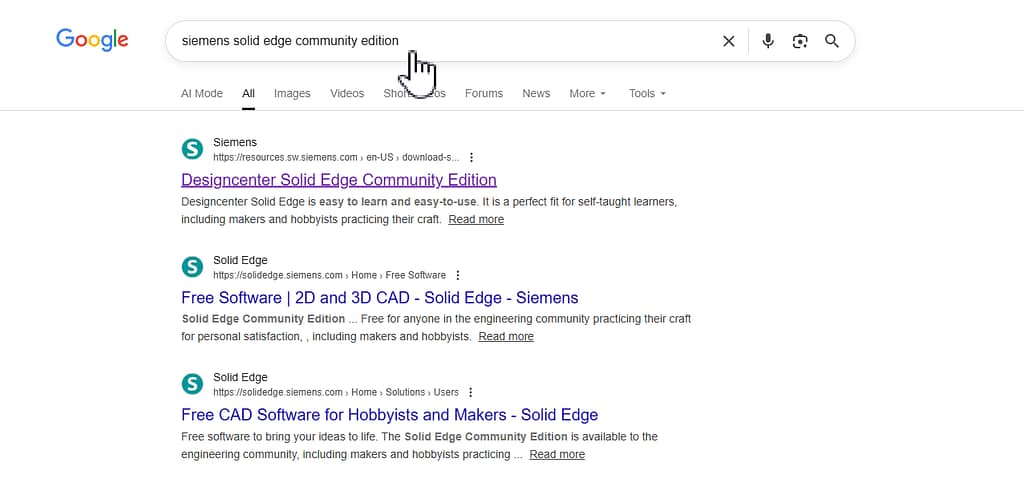
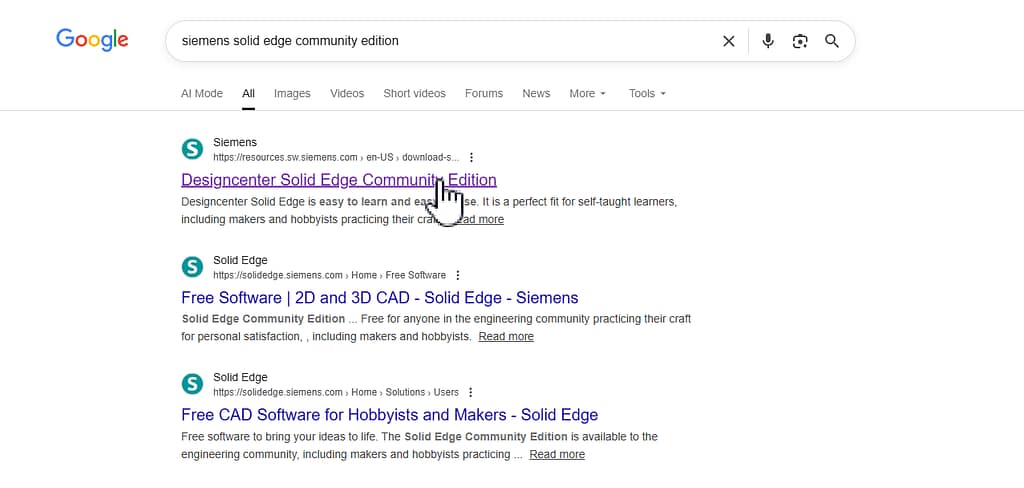
- Click on Solid Edge Community Edition
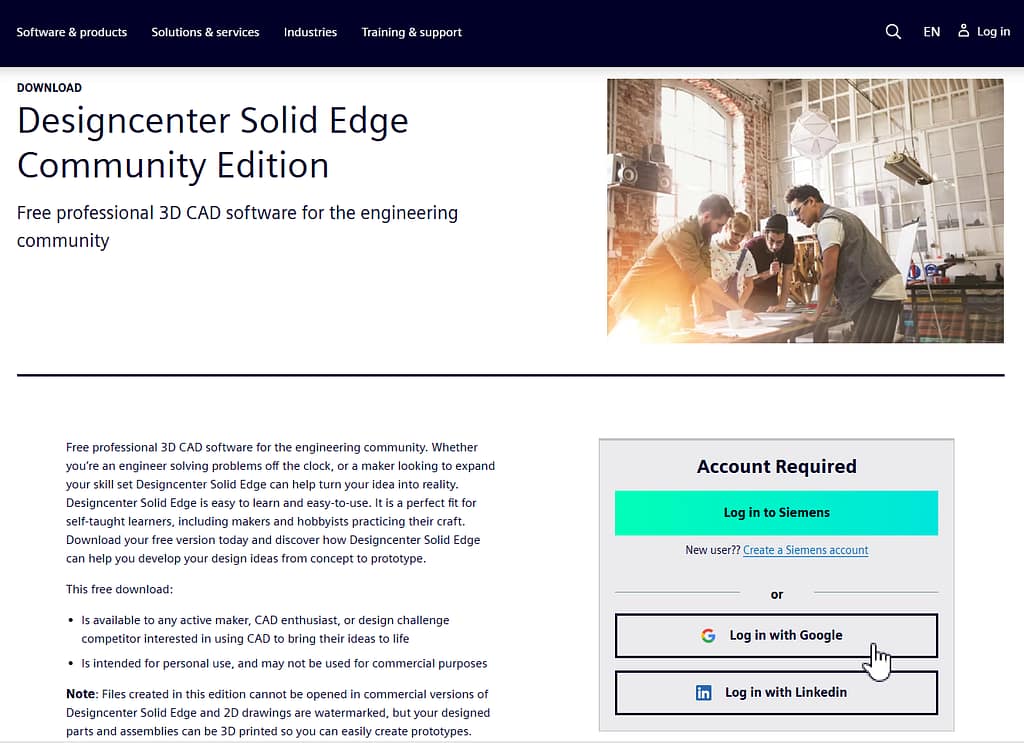
- Sign in or create a Siemens account using your email, Google account or LinkedIn account.
Step 2: Download Solid Edge Community Edition
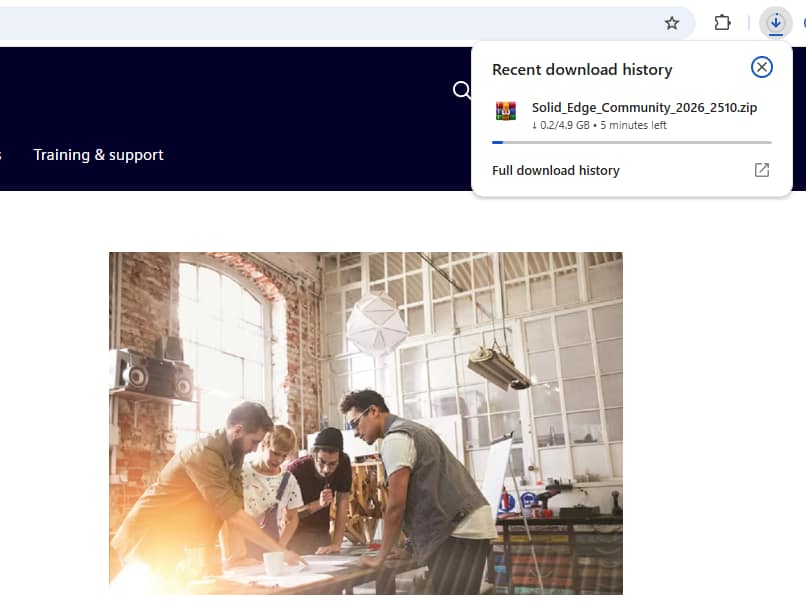
- Once your account is active, you’ll get access to the download page.
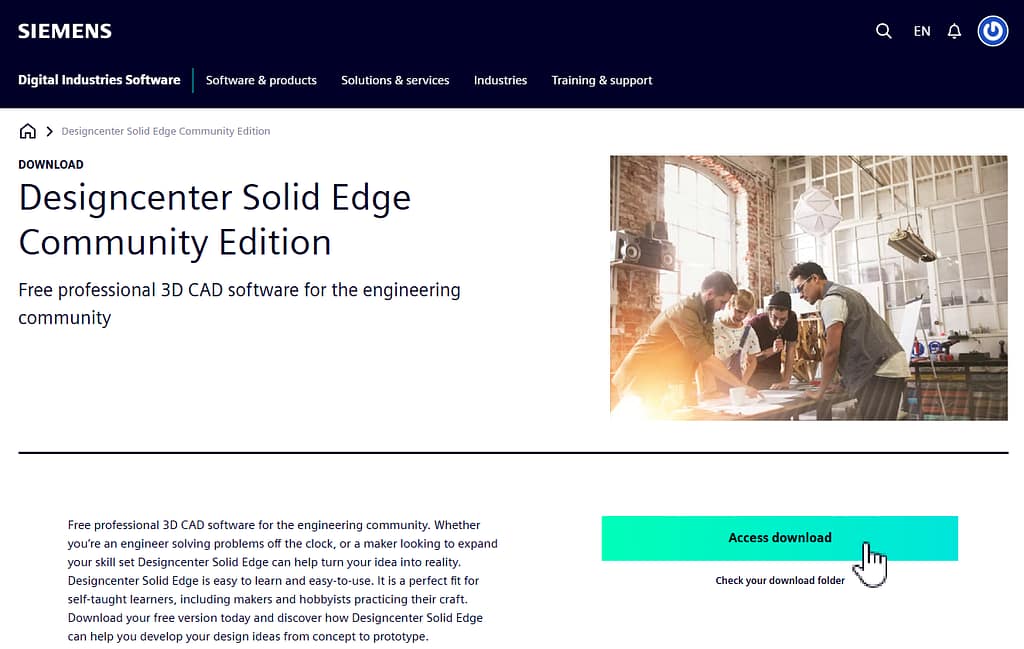
- Press “Access download” button to download Solid Edge Community Edition.
Final Thoughts
Solid Edge Community Edition removes the cost barrier from learning professional CAD, making it an excellent option for students, self-taught engineers, and hobbyists. As long as it’s used for non-commercial purposes, it offers a realistic environment to practice real engineering workflows and build your skills. If you’re serious about engineering design and learning industry-grade tools, this is an opportunity you shouldn’t ignore.